How Dentists Can Use Claude AI to Run a Smarter Practice (2026 Guide)
Discover how dentists are using Claude AI for payroll, patient communication, marketing, and more. The complete 2026 guide to Claude for Small Business, built specifically for dental practices.
New Block Digital Agency
Updated:
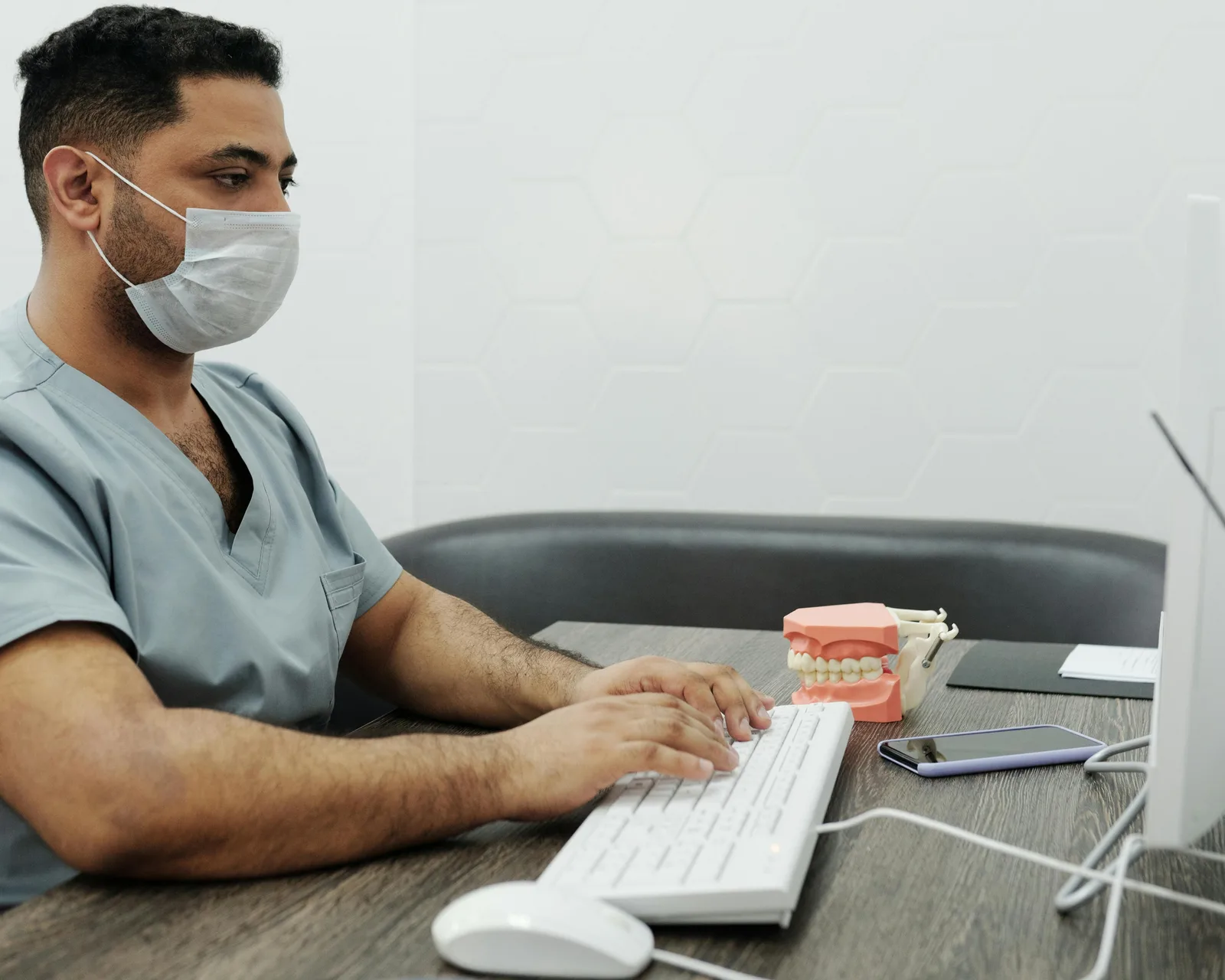
It’s 9 PM on Sunday. Payday is Tuesday. You’re tabbing between your QuickBooks dashboard, your bank account, three overdue insurance claims, and a spreadsheet you last updated two weeks ago, trying to figure out if you can make payroll without touching your credit line.
Meanwhile, your Instagram hasn’t been posted to in three weeks, two Google reviews went unanswered, and the “new patient welcome email” you’ve been meaning to write is still a blank document on your desktop.
This is the reality for most dental practice owners in 2026. You’re running a $942,000-a-year business (the average gross revenue for a U.S. general dental practice according to the ADA) while doing the work of a CEO, marketing director, office manager, and HR department simultaneously.
Claude AI just changed that.
In May 2026, Anthropic launched Claude for Small Business, a product built specifically for owners like you. It connects directly to the tools you already use, runs real business workflows, and stops before taking any action without your approval. No coding. No consultants. No learning curve.
This guide covers exactly how dental practices can use Claude today: the workflows, the integrations, the pricing, the HIPAA considerations, and the step-by-step setup.
What Is Claude for Small Business?
Claude for Small Business is not a chatbot. It is an AI agent that plugs into your existing software stack and executes real business tasks, with your approval at every step.
Launched on May 13, 2026, it ships with:
- 15 pre-built agentic workflows spanning finance, operations, sales, marketing, HR, and customer service
- 7 native integrations: QuickBooks, PayPal, HubSpot, Canva, DocuSign, Google Workspace, and Microsoft 365
- Human approval gates before anything is sent, posted, paid, or published
- No extra charge beyond your existing Claude subscription (Pro starts at $20/month)
The key distinction from other AI tools: Claude doesn’t run wild in your accounts. You initiate each workflow. Claude does the analysis, drafts the output, and presents you with a plan. You approve. Then it executes.
For a dental practice owner who is time-poor and risk-averse (most dentists fit this profile exactly), this matters enormously.
Why Claude Is Particularly Powerful for Dental Practices
Before getting into specific workflows, it’s worth understanding why dentists specifically stand to gain more from Claude than most other small business owners.
The Dental Practice Problem Stack
According to 2026 industry data, dental practice owners are dealing with a compounding set of challenges:
- Staffing shortages: Nearly 70% of dentists describe recruiting dental assistants as “very” or “extremely challenging”
- Rising overhead: Labor now represents 33–35% of gross revenue for the average practice, the single largest cost category
- Marketing gaps: 70% of dental practices struggle to stand out locally, despite 70%+ of new patients now discovering practices through digital channels
- Financial pressure: A 3.8-point gap between average and high-performing practices is worth $38,000 per year on a $1M practice
- No-show losses: Practices lose thousands monthly to unfilled appointment slots from no-shows and late cancellations
Claude addresses every single one of these pain points directly. Not with specialized dental software that costs $299–$500/month. With one $20/month subscription connected to tools you already pay for.
The Market Timing Advantage
The global dental AI market is projected to reach $1.9 billion by 2026 and $8 billion by 2034. Only 34% of dental practices currently use even one AI tool. The practices that adopt now will build a compounding advantage over the 66% that are still doing everything manually.
5 Claude Workflows Dentists Can Use Right Now
Workflow 1: Payroll Planning, From Sunday Night Panic to 5-Minute Review
This is the workflow that will save you the most immediate stress.
The problem: Planning payroll means cross-referencing QuickBooks receivables, PayPal transaction history, outstanding invoices, and your bank balance, usually at the worst possible time.

How Claude solves it:
Connect QuickBooks and PayPal through the Claude Cowork connectors panel. Then use the /plan-roll slash command or simply ask Claude to help you plan your upcoming payroll.
Claude asks three clarifying questions:
- Which payroll date are you running?
- What are your data sources?
- What format do you prefer for the output?
Then it gets to work. Here’s exactly what it pulls and delivers:
Data it pulls:
- Accounts receivable, accounts payable, and cash timing from QuickBooks
- Transaction history and settlement data from PayPal
What it delivers:
- Current cash on hand
- Total payroll cost
- Payroll coverage ratio
- Outstanding receivables with timing
- Full 90-day cash flow forecast
- The payroll verdict: can you make it, and by how much

The output exports directly to Google Sheets or Excel so you can share it with your accountant or dig deeper yourself.
What used to be a two-hour Sunday night scramble through bank tabs, spreadsheets, and overdue invoices is now a five-minute review. You go into Tuesday knowing the number, not guessing at it.
Workflow 2: Patient Communication, Reducing No-Shows by Up to 30%
No-shows are one of the most expensive problems in dentistry. An unfilled 90-minute hygiene appointment at $200–$350 per slot, multiplied across a month, can represent thousands in lost revenue.
Practices using AI-driven communication systems report a 30–40% reduction in no-shows and an average of one additional patient booked per day through automated follow-up.

How Claude handles this:
Using Google Workspace (Gmail) integration, Claude can:
- Draft personalized appointment reminder sequences, not generic blasts, but messages that reference the patient’s specific appointment type, provider, and last visit
- Write reactivation emails for lapsed patients (those who haven’t been in 12–18 months). Practices using multi-touch reactivation campaigns recover 30% of lapsed patients vs. the industry average of 5–10%
- Create recall scripts for your front desk team to use when calling patients
- Generate post-appointment follow-up messages with care instructions specific to the procedure performed
You review and approve each message before anything is sent. Claude writes it; you decide.
Sample prompt to get started:
“Draft a three-part email sequence for patients who missed their cleaning appointment last week. The tone should be warm and non-judgmental. Include an easy rebooking link placeholder.”
Workflow 3: Marketing Content, A Month of Posts in 30 Minutes
Dental marketing is one of the most time-consuming, low-priority tasks for practice owners. It gets pushed to the weekend. Then it gets pushed again. Then it doesn’t happen. Before diving into content creation, make sure your Google Business Profile and Map Pack visibility are solid, since that’s where most new patients discover you first.
With Claude connected to Canva, this changes completely.
What the workflow looks like:
Tell Claude your content goals for the month: new patient acquisition, a specific procedure (implants, whitening, Invisalign), a seasonal promotion, or staff highlights. Claude generates a 30-day content calendar with post copy for Instagram, Facebook, and Google Business Profile. It passes the copy directly to Canva where it populates your existing templates. You review, adjust tone or branding if needed, and publish.
The dental marketing numbers that make this critical:
- 70%+ of new patients now discover practices through digital channels
- Dental practices should spend 5–10% of gross revenue on marketing ($35,000–$100,000/year on a $1M practice)
- Practices using consistent social media see 34% higher new patient growth
Claude makes consistent marketing execution possible without a marketing agency ($2,000–$5,000/month) or a social media coordinator ($3,500–$5,000/month salary).
Additional marketing tasks Claude handles:
- Writing Google Business Profile posts and service descriptions
- Drafting responses to Google reviews (positive and negative)
- Creating patient education blog posts for your website
- Writing email newsletters to your patient list
- Generating ad copy for Google or Facebook campaigns
Workflow 4: Lead Management and New Patient Follow-Up via HubSpot
New patient acquisition is the single biggest revenue lever for most dental practices. The problem is that most practices handle new patient inquiries inconsistently: calls go unreturned, web form submissions sit in an inbox, and potential patients book with whoever responds first.
HubSpot is one of Claude’s seven native connectors. This unlocks a complete new patient pipeline workflow.
What Claude + HubSpot does for dental practices:
- Lead triage: When a new inquiry comes in (web form, phone callback request, ad click), Claude categorizes it by procedure type, urgency, and patient value. A dental implant inquiry is worth far more attention than a routine cleaning.
- Follow-up drafting: Claude writes personalized follow-up emails for each lead based on what they inquired about, with specific procedure information, pricing ranges, and a clear call to action
- Campaign attribution: Claude analyzes which marketing channels are actually bringing in new patients and how much revenue each channel generates, so you can stop guessing about your marketing ROI
- Patient pulse tracking: Monitors patient satisfaction signals and flags at-risk patients before they leave the practice
Why this matters in numbers:
The average dental practice loses $150,000–$300,000 per year in unbooked treatment from patients who said “I’ll think about it.” Better follow-up alone, which Claude handles, closes a significant portion of that gap.
Workflow 5: Contracts, Insurance, and Documentation via DocuSign and Google Workspace
Dental practices live and die by documentation: insurance pre-authorization letters, treatment plan agreements, patient intake forms, staff employment contracts, vendor agreements. This paperwork is universally hated and universally necessary.
Claude connects to DocuSign and Google Workspace to streamline the entire document workflow.

Specific use cases for dental practices:
Insurance pre-authorization letters: Claude writes insurance pre-auth narratives for procedures like crowns, implants, root canals, and periodontal treatment. These are the detailed clinical justifications that insurance companies require. This alone can save a front desk team 30–60 minutes per complex case.
Treatment plan summaries: Claude translates clinical treatment plans into plain-English patient summaries. When patients understand their treatment, treatment acceptance rates improve. Higher acceptance equals higher revenue.
Staff onboarding documents: With 70% of dentists struggling to recruit, staff turnover is expensive. Claude generates role-specific SOPs, training checklists, and onboarding documents for new dental assistants, hygienists, and front desk staff, so you’re not rebuilding from scratch every time someone leaves.
Patient intake forms: Claude designs digital intake forms, HIPAA consent forms, and medical history questionnaires that integrate with your existing workflow.
Is Claude HIPAA Compliant? What Every Dentist Needs to Know
This is the question that stops most dental practice owners from adopting AI tools, and it deserves a direct answer.
The short answer: Claude has significant privacy protections, but you must understand the boundaries before using it with patient information.
What Claude’s Privacy Mode Covers
Anthropic’s Privacy Mode ensures that conversations are not used to train AI models. This is a critical baseline. However, Privacy Mode alone does not make Claude a HIPAA Business Associate. As of October 19, 2026, Anthropic’s pricing page lists a HIPAA-ready offering on Enterprise plans only. It is not listed for Pro, Max, or Team.
The Practical Rule for Dental Use
Do not input Protected Health Information (PHI) directly into Claude unless you have verified a Business Associate Agreement (BAA) is in place. That includes names, dates of birth, Social Security numbers, or any health information tied to an identifiable patient.
What you CAN safely use Claude for:
- Writing template communications (no patient names or data)
- Generating marketing copy and social media content
- Creating staff training documents and SOPs
- Financial analysis using aggregate or anonymized data
- Insurance letter templates (fill in specifics separately)
- Drafting policies, procedures, and forms
What requires careful handling:
- Any workflow involving specific patient records
- Insurance claim details tied to individual patients
- Clinical notes or treatment histories
The practical workaround most practices use:
Write the template in Claude, then have your practice management software (Dentrix, Eaglesoft, Open Dental) or your staff fill in the patient-specific details. You get Claude’s writing quality without touching PHI.
As AI healthcare tools evolve, formal BAA options are expanding. Check Anthropic’s current enterprise compliance documentation for the most up-to-date status.
Bottom line: For the five workflows covered in this guide (payroll, marketing, communications templates, lead management, and documentation) Claude is appropriate and safe when used thoughtfully. Do not use it to process individual patient records without proper compliance review.
Claude for Small Business Pricing: What It Actually Costs a Dental Practice
Claude for Small Business is not a separate product with a separate price. It is a feature toggle inside Claude Cowork, available on any paid plan:
| Plan | Price as of October 19, 2026 | Best For |
|---|---|---|
| Claude Pro | $20/month, or $17/month billed annually | Solo dentist, testing workflows |
| Claude Max | From $100/month (5x or 20x Pro usage) | Active daily use, high volume |
| Claude Team standard | $25/seat/month, or $20/seat/month billed annually | Multi-provider practices, office manager + dentist |
| Claude Team premium | $125/seat/month, or $100/seat/month billed annually | Heavy daily use inside a practice |
Prices exclude tax and change. Check claude.com/pricing and Anthropic’s Team plan article before you buy. Team requires at least two seats.
You also need the connected tools, but you likely already pay for most of them (QuickBooks $30–$200/month, Google Workspace $6–$18/user/month, HubSpot free tier available, Canva free tier available, PayPal transaction-based, DocuSign from $10/month).
| What You Might Currently Pay | Monthly Cost |
|---|---|
| Dental marketing agency | $2,000–$5,000 |
| Social media coordinator (part-time) | $1,500–$2,500 |
| Bookkeeping support | $300–$800 |
| AI receptionist software (e.g. Dentina.AI) | $299–$399 |
| Claude Pro + existing tools | $20 + what you already pay |
Claude does not replace your clinical software (Dentrix, Eaglesoft, Pearl, Overjet). It handles the business layer: marketing, finance, communications, HR, and operations, at a fraction of the cost of specialized tools or agency fees.
Claude vs ChatGPT for Dentists: Which One Should You Use?
Both tools are capable. Here’s the honest breakdown for dental practice use.
Where Claude Wins for Dentists
Longer, more nuanced writing: Patient education materials, insurance letters, treatment plan explanations, and multi-part email sequences all require sustained quality over long documents. Claude consistently outperforms ChatGPT on long-form, professional writing.
Built-in business workflows: Claude for Small Business ships with 15 pre-built workflows. ChatGPT doesn’t have an equivalent native small business product with the same integrations.
Safety-first design: Claude’s human-in-the-loop approval gates are explicitly designed for business owners who don’t want AI taking unsupervised actions. This matters for dentists managing real money and real patient relationships.
Context retention: Claude handles longer context windows, which is critical when analyzing a full month of QuickBooks data or reviewing a complex insurance document.
Where ChatGPT Has Advantages
Image generation: ChatGPT with DALL-E can generate custom images for marketing materials. Claude’s image work routes through Canva instead.
Ecosystem breadth: ChatGPT integrates with more third-party tools overall, though the gap is closing.
Web browsing: ChatGPT can browse the web in real time for research. Claude’s browsing capabilities are more limited.
The Honest Recommendation
For most dental practice owners, Claude is the better daily driver for the business tasks that eat your time: writing, financial analysis, communications, and operations. If you use ChatGPT for image generation or quick research, keep it for that. The two tools complement each other well and both cost $20/month at the Pro tier.
How to Get Started With Claude in 10 Minutes
You do not need a technical background. Here is the exact setup sequence:
Step 1: Go to claude.ai and sign up for Claude Pro ($20/month) if you haven’t already.
Step 2: Inside Claude Cowork, navigate to the Connectors panel on the left sidebar.
Step 3: Connect the tools you already use. Start with QuickBooks and Google Workspace, which unlock the highest-value workflows immediately.
Step 4: Run your first workflow. The fastest starting point is the payroll planning workflow (/plan-roll) or simply asking: “Help me understand my cash position for the next 90 days.”
Step 5: Add Canva and HubSpot once you’re comfortable. These unlock the marketing and new patient workflows.
Important: Start with one workflow. Master it. Add the next. Dental practice owners who try to implement everything at once get overwhelmed and abandon the tool. The ones who start with payroll planning or one marketing workflow and expand from there see the fastest ROI.
Real Results: What Dentists Are Saving
Based on time savings reported by small business owners using Claude, cross-referenced with dental industry labor costs:
| Task | Time Before Claude | Time With Claude | Monthly Savings |
|---|---|---|---|
| Payroll planning & cash flow | 3–4 hours | 20 minutes | ~3.5 hours |
| Monthly marketing content | 8–12 hours | 1–2 hours | ~8 hours |
| Insurance pre-auth letters | 30 min each | 5 min each | 3–5 hours |
| Review responses | 15 min each | 2 min each | 1–2 hours |
| Staff onboarding docs | 4–6 hours | 30 minutes | ~5 hours |
| Total monthly time saved | ~20 hours |
At a dental practice owner’s effective hourly rate of $200–$400/hour, 20 hours saved per month represents $4,000–$8,000 in reclaimed productive time. The subscription costs $20/month.
Frequently Asked Questions
Can I use Claude AI in my dental office without any technical setup?
Yes. Claude for Small Business requires no coding or technical knowledge. You connect your existing tools (QuickBooks, Gmail, etc.) through a simple connectors panel and start using pre-built workflows immediately. Most dental practice owners are fully set up in under 30 minutes.
Is Claude safe to use with patient information?
Claude has strong privacy protections, but dental practices should not input individually identifiable patient health information (PHI) without verifying HIPAA compliance and a Business Associate Agreement. For the workflows covered in this guide (payroll, marketing, templates, and operations) no patient PHI is required. Use Claude to create templates, then add patient-specific details separately.
How much does Claude for Small Business cost for a dental practice?
There is no extra charge beyond your existing Claude subscription. As of October 19, 2026, Claude Pro is $20/month billed monthly, or $17/month billed annually. Claude for Small Business is a feature within paid plans. You connect it to tools you already pay for (QuickBooks, Google Workspace, etc.) at no additional cost. Confirm the current price at claude.com/pricing.
Will Claude replace my dental practice management software like Dentrix or Eaglesoft?
No. Claude works alongside your existing dental software, not instead of it. Dentrix and Eaglesoft handle clinical records and insurance billing. Claude handles the business layer: marketing, financial planning, communications, and HR. They complement each other.
How is Claude different from ChatGPT for a dental practice?
Claude for Small Business has pre-built workflows and native integrations with QuickBooks, PayPal, HubSpot, and Canva that ChatGPT does not currently match. Claude also tends to produce higher-quality long-form professional writing, important for patient communications and insurance letters. Both cost $20/month at the Pro tier.
What is the fastest way to see value from Claude as a dentist?
Start with the payroll planning workflow. Connect QuickBooks and PayPal, run /plan-roll, and get your 90-day cash forecast in five minutes. This delivers immediate, tangible value and builds confidence in the tool before expanding to marketing and communications workflows.
Do I need to be good at writing prompts to use Claude?
No. Claude for Small Business uses pre-built slash commands and guided workflows that ask you clarifying questions rather than requiring you to write complex prompts. As you become more comfortable, you can customize and create your own prompts, but the pre-built workflows require no prompt engineering.
The Bottom Line for Dental Practice Owners
You are running a nearly $1 million business with the resources of a solo operator. The practices that will win the next decade are not the ones with the biggest budgets. They are the ones that use leverage intelligently.
Claude for Small Business is the most accessible, affordable, and immediate leverage available to dental practice owners right now. The dentists who adopt it now will build months of workflow expertise and competitive advantage before the rest of the profession catches on.
The Sunday night payroll panic, the neglected Instagram account, the three Google reviews that went unanswered, the new patient lead that slipped through. Claude handles all of it, at $20/month, connected to tools you already pay for.
Start with one workflow this week. The one that costs you the most time or stress. That is the right place to begin.
Last updated: October 19, 2026. Claude for Small Business launched May 13, 2026. Plan prices were checked against claude.com/pricing and Anthropic’s Team plan help article on October 19, 2026.